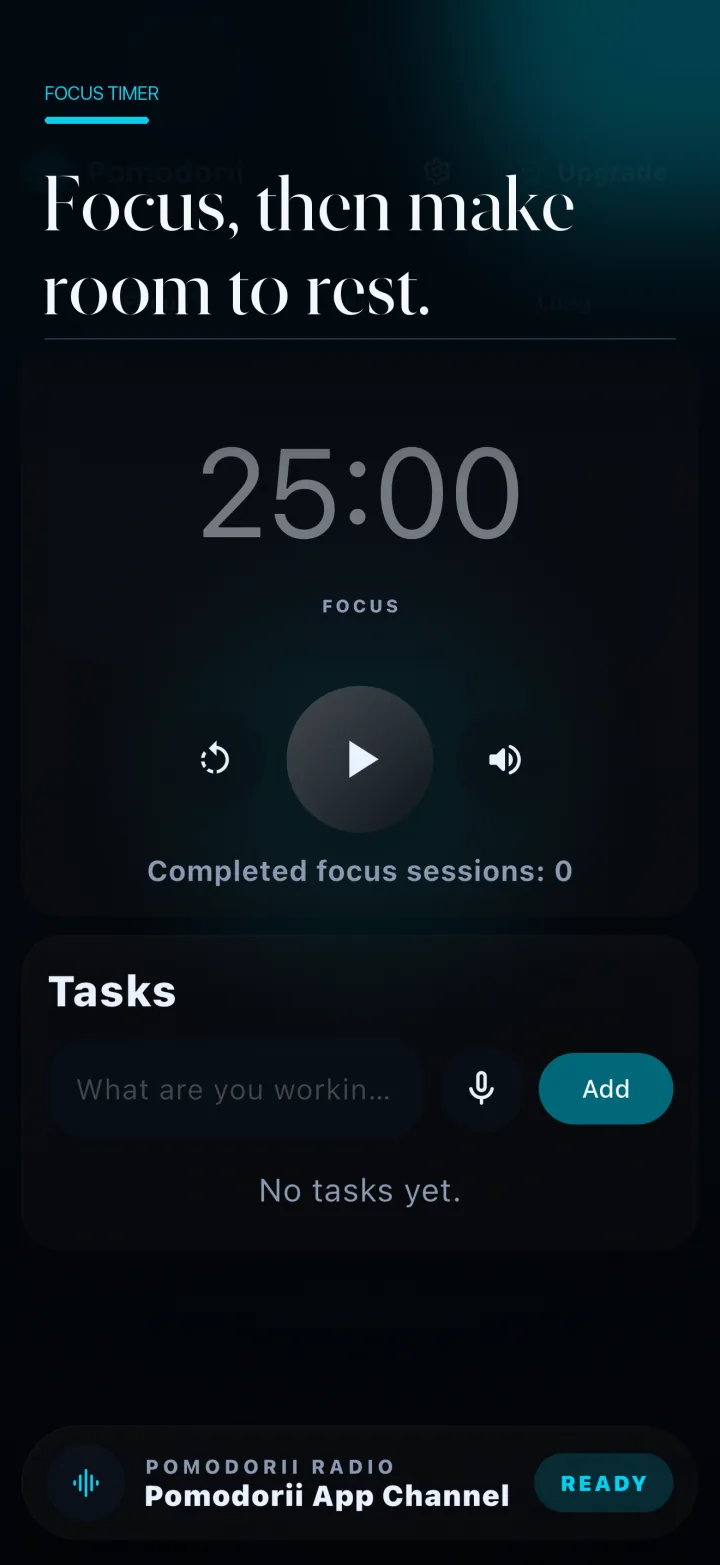
Productivity should feel like clarity, not more work.
Pomodori puts the useful parts of a focus practice on one surface: what you are doing, how long you are doing it, and when to step away.
No elaborate setup required. Start with the next meaningful thing.
The working surface
Everything the session needs. Nothing it doesn’t.
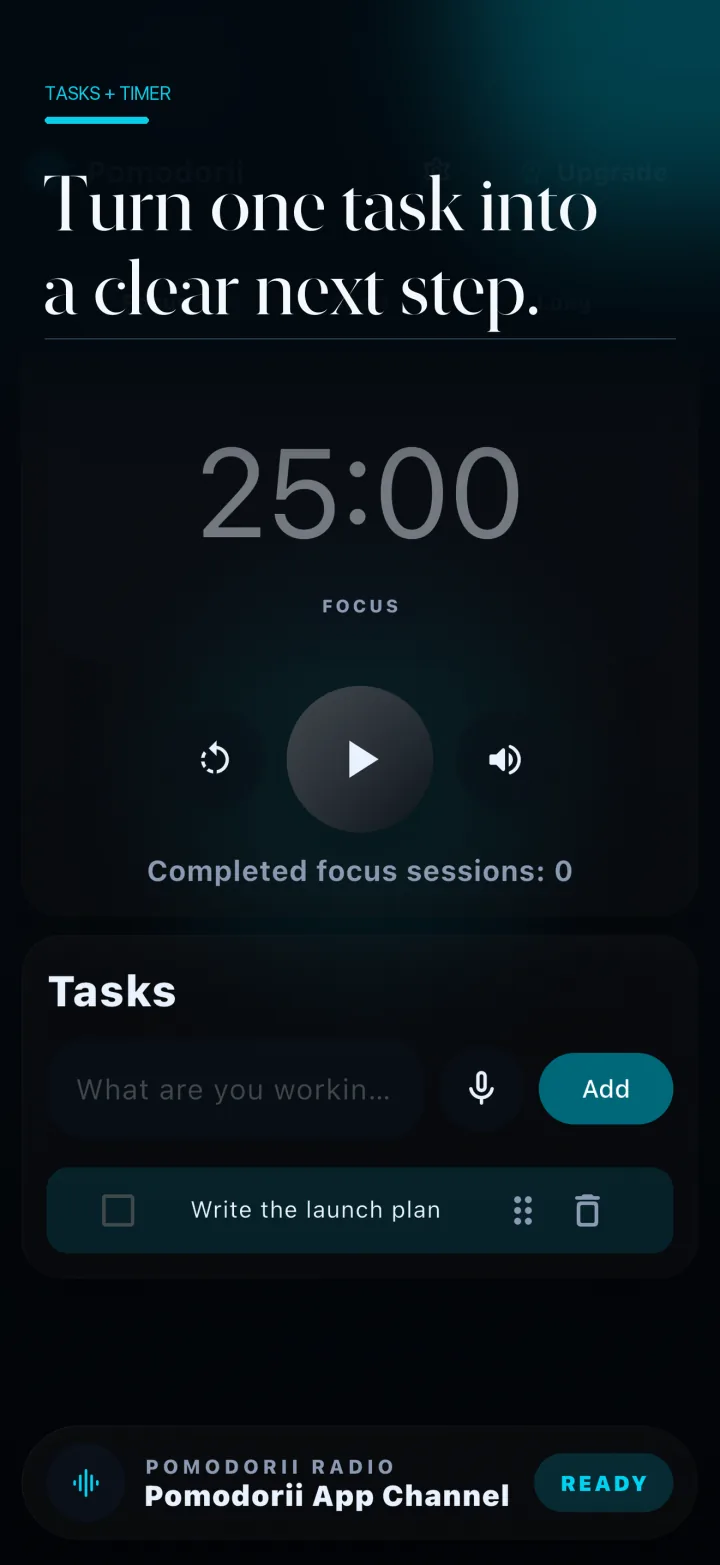
Timer + task, together01
Intentional tasks
Decide what this session is for.
Add the task in front of you and keep it visible beside the timer. The list stays close without becoming a project of its own.
01 Add or reorder tasks
02 Keep the active task in view
03 Mark work complete as you go
Focus25minutes
Short break5minutes
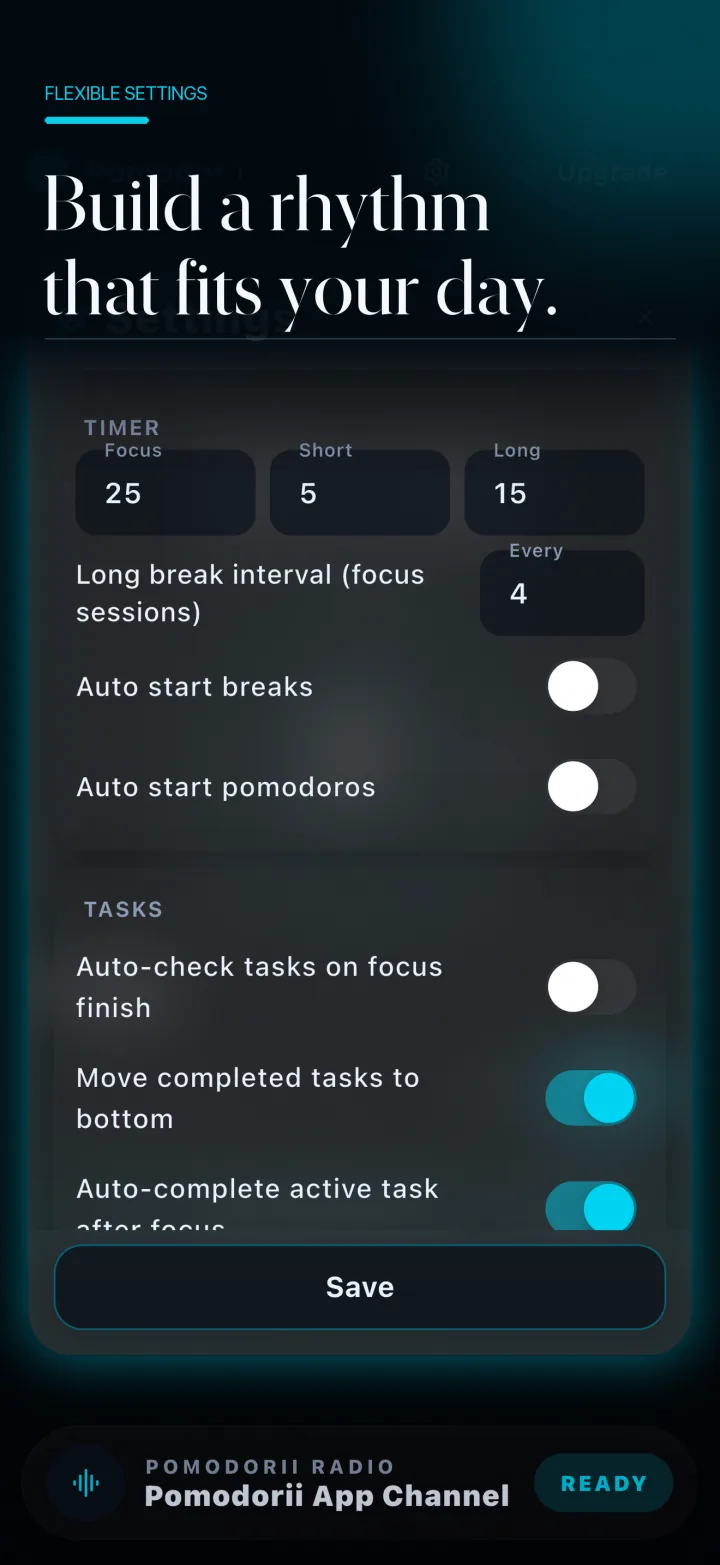
Flexible settings
A rhythm that fits the day you actually have.
Set focus, short break, and long break durations. Choose whether sessions move forward automatically or wait for you.
Keep the method useful.The timer adapts to your work—not the other way around.
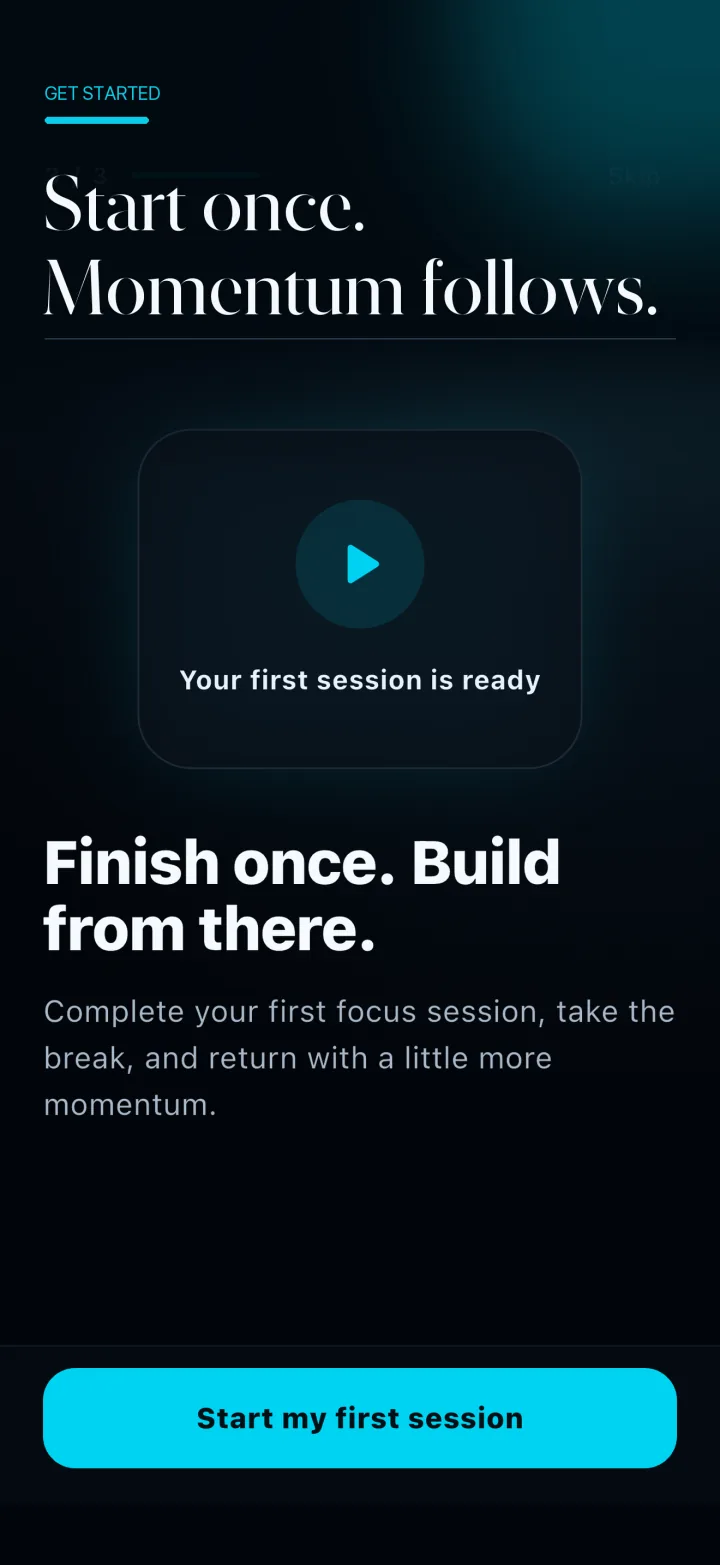
A calm beginning
Start once. Build from there.
The first session begins with a clear invitation, not a wall of configuration.
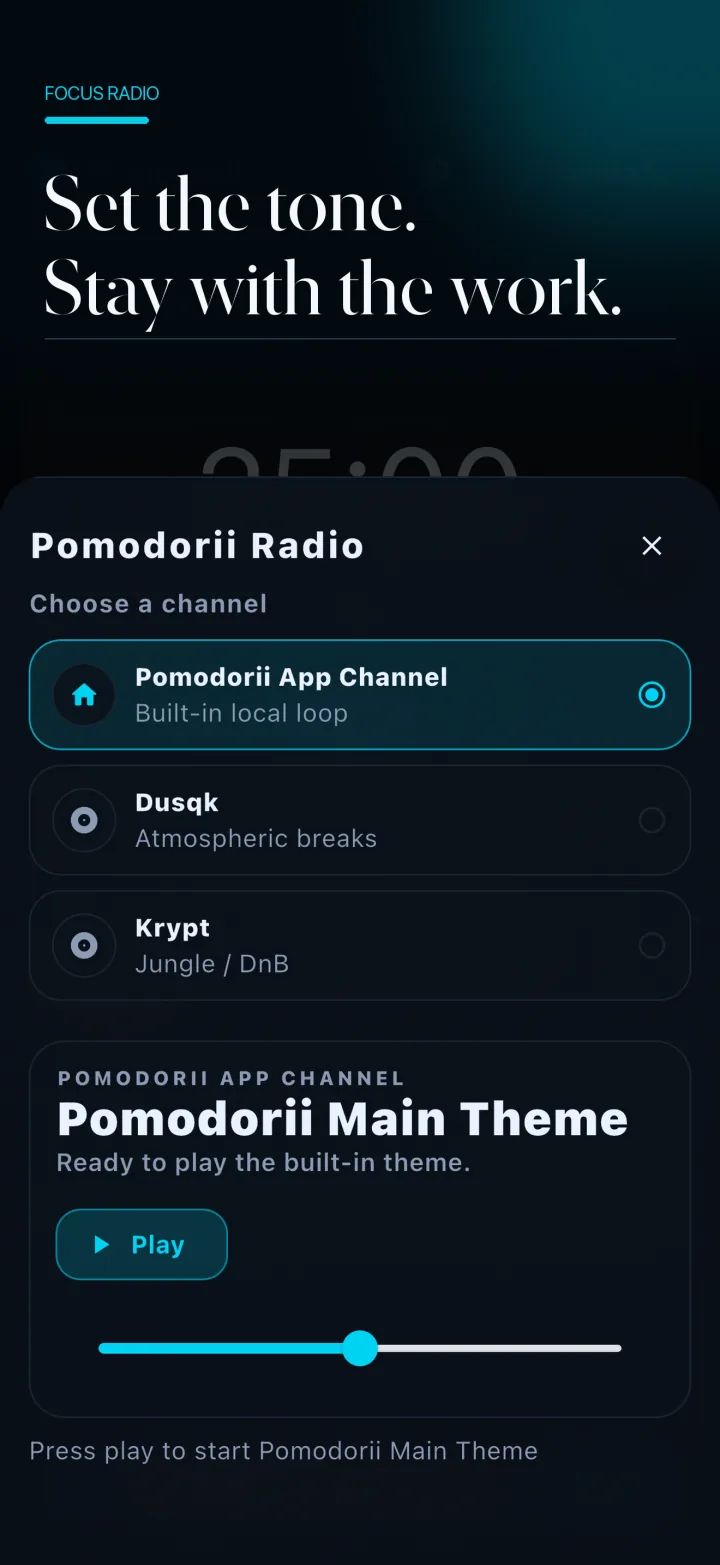
Optional focus radio
Set the tone. Stay with the work.
Choose a channel when background audio helps, or keep the session quiet.
The Pomodori rhythm
Three moves. One useful loop.
1
Name the work
Choose the task that deserves this session.
2
Run the timer
Work inside a visible, adjustable boundary.
3
Take the break
Pause on purpose, then return when you are ready.
Privacy is part of the product
Your work stays close to you.
Core tasks, timer settings, and session history are stored on your device by default. Pomodori does not require an account for the everyday timer experience.
Your timer, task, and history data remains on your device by default.
○
Permissions with a purpose
Microphone, speech, notifications, and radio are connected to features you choose to use.
↗
Services, disclosed
Analytics, diagnostics, subscriptions, and external media providers are described in the privacy policy.
Pomodori Premium
More history. More perspective.
The core timer flow remains available without a paywall interruption. Premium is for people who want a deeper view of their focus practice.
Unlimited session history
Deeper analytics and longer-term trends
A richer record of completed focus sessions
Premium features require an in-app purchase. Current plans, eligibility, billing period, renewal terms, and prices will be shown by the app store before purchase. Availability may vary by platform.